Required
Choose one main subject, such as a traveler, musician, or fantasy creature.
A single focal point makes the prompt easier to interpret.
Creative starting point
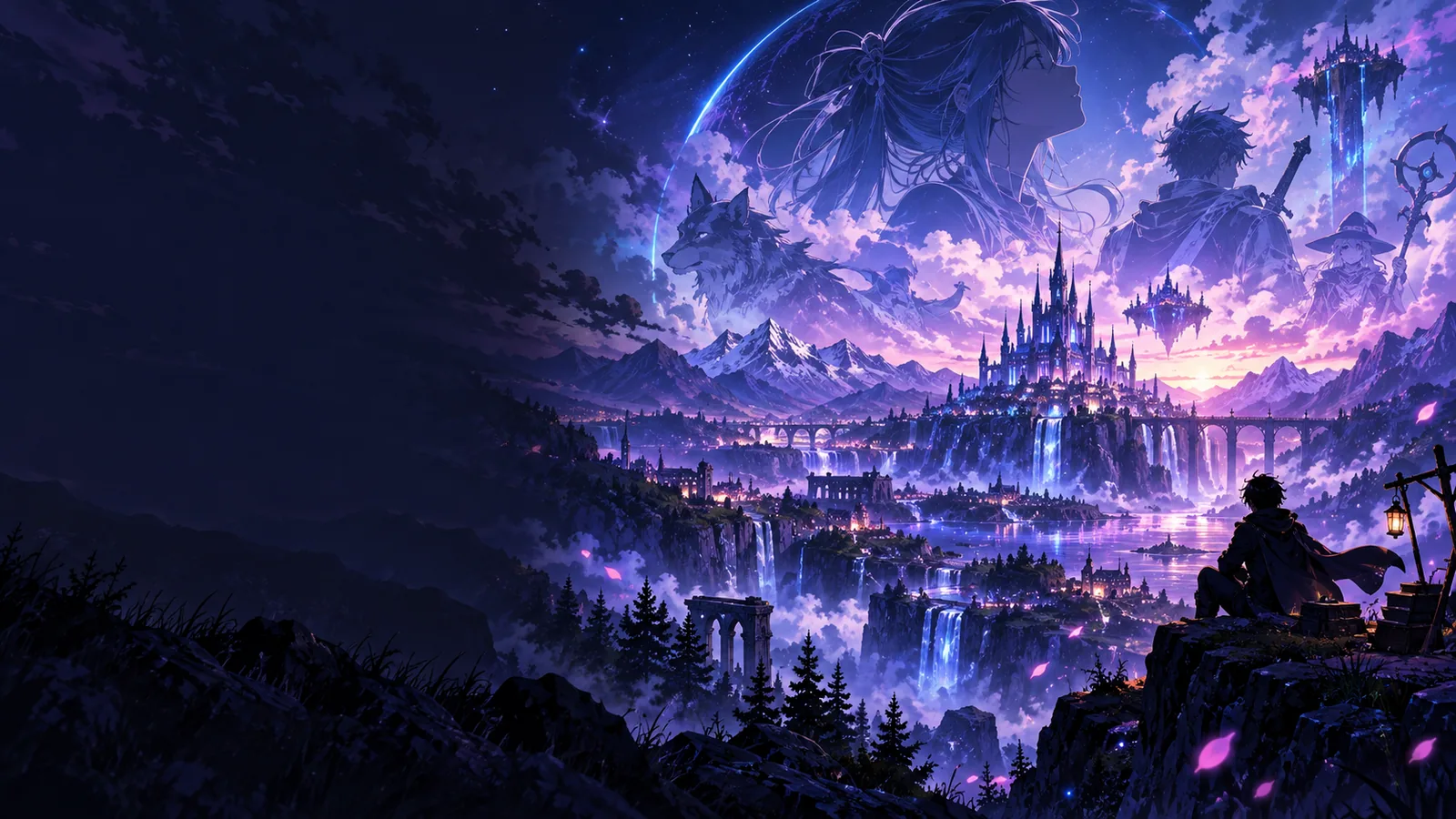
Aianime gives you a straightforward way to explore anime art. Describe a character, setting, and mood in the prompt box, then follow the link to try creating it.
The best starting point depends on whether you have words, a reference photo, or a question about access.
See how to approach the linked tool without assuming an account is part of the workflow.
Build an anime scene from a written description of its subject, style, and setting.
Plan a photo-inspired anime look while checking which image-input options are available.
Free access is a useful starting point, but it does not establish every feature or usage condition of the tool you reach.
This page does not verify how many images you can make or whether a usage limit changes over time.
WorkaroundCheck the available options on the linked tool before planning a larger set of images.
A written prompt works as a starting idea, but this page cannot promise that the linked tool accepts uploads.
WorkaroundDescribe the visual details you want in words, or review the photo workflow before using a reference.
An image generator may interpret details differently from the scene you pictured.
WorkaroundKeep the subject clear, then revise one detail at a time if the available tool allows another attempt.
You do not need a finished character sheet. A short, specific description gives the image tool a clearer direction.
A single focal point makes the prompt easier to interpret.
These details help distinguish the scene from a generic portrait.
Prioritize the details you would notice first.
Availability and conditions should be checked where creation happens.
Small changes make it easier to see what affected the result.
These prompt-building methods are useful whether your idea begins as a character, a place, or a particular atmosphere.
Name the character’s role, pose, and most recognizable feature. For example, a young astronomer holding a map gives the scene a clearer focus than a request for an anime person.
Place the subject somewhere specific: a hillside observatory, crowded train, or quiet kitchen. Add one background detail so the setting supports the character without competing for attention.
Describe lighting and color in ordinary language, such as soft morning light and muted blues. If a result misses the mood, change those words before rewriting the entire prompt.
A written idea is the simplest route to plan here. A photo reference can be useful too, but image input must be confirmed on the linked tool.
Text-first idea
A description you write
Photo-reference idea
A photo you already have
Text-first idea
Choose a subject and setting
Photo-reference idea
Choose which visible features matter
Text-first idea
Describe clothing, pose, and expression
Photo-reference idea
Identify features you want reflected in the artwork
Text-first idea
Describe the background directly
Photo-reference idea
Decide whether to retain or replace the original background
Text-first idea
Look for a prompt field
Photo-reference idea
Confirm that photo input is available
Text-first idea
Refine one phrase if another attempt is available
Photo-reference idea
Try a written description if photo input is unavailable
Write down the subject, setting, and mood you want, then visit the linked creation tool. Check its current options there; this page does not promise a particular output, image allowance, or download option.
Aianime provides a free access path to an anime creation tool through the link on this page. Check the destination’s current options before creating, because this page does not verify an image allowance or promise that every feature is available without a charge.
You can begin with an idea for a character, portrait, or scene and describe it in a prompt. What you can actually create depends on the options available when you reach the linked tool, and a particular result is not guaranteed.
No photo is needed to plan a text-first prompt. If you want to work from a photo instead, confirm that the linked tool offers image input before relying on that workflow.
This page does not state an image count or a continuing allowance. Review the linked tool’s current conditions before making plans that depend on multiple attempts.