An image, not a series
An ai anime generator is generally used for still artwork: a character portrait, an illustrated setting, or a scene concept. The name alone does not mean it can write, animate, and assemble a complete episode.
Plain-English guide
If you are asking what is ai anime generator online, think of a browser-accessible way to create anime-inspired images with AI. This guide explains the idea without promising that every tool accepts the same inputs or produces the same results.
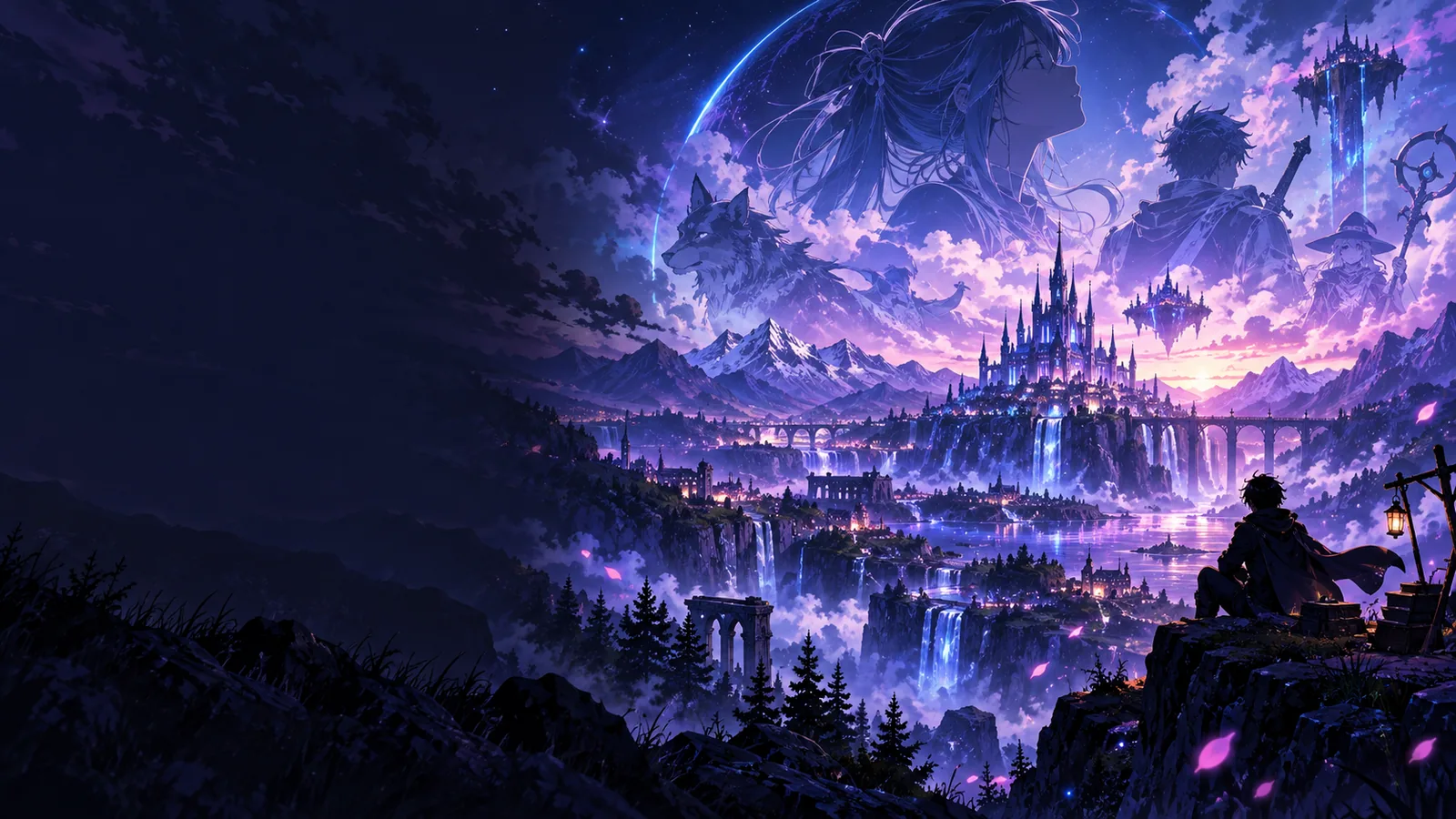
The word “anime” describes the visual direction; “generator” describes the image-making process.
An ai anime generator is generally used for still artwork: a character portrait, an illustrated setting, or a scene concept. The name alone does not mean it can write, animate, and assemble a complete episode.
Many image tools begin with text describing a subject and its appearance. Some support a reference image instead, but whether that option exists depends on the tool you open.
Online means you reach the experience through a website rather than treating this guide as installed software. It does not, by itself, establish which devices, file types, or editing controls a particular service supports.
The broad sequence is easy to understand even though individual interfaces differ.
Choose a subject, setting, mood, and visual details. “A traveler under lanterns on a rainy street” gives an ai anime generator more direction than “make an anime picture.”
An image model uses learned visual patterns to produce a new picture based on the information it receives. It interprets your description; it does not photograph a scene or understand every instruction with certainty.
Look at composition, hands, clothing, and background details. If the tool permits another attempt, make one specific change to your description and compare the results rather than assuming the first image is final.
The definition covers several starting points. These related guides separate them so you can follow the one that fits your idea.
See how to describe a scene when words are your starting point.
Understand how a reference-photo workflow differs from describing a new scene.
Follow a practical sequence for trying an image-making workflow in a browser.
Choose the kind of workflow that matches what you actually have, then check the linked tool's available controls.
1
Start with a written description.
Text can specify characters, setting, lighting, and mood without requiring a reference photo. The generated details may still differ from what you imagined.
2
Look for a tool that explicitly accepts image input.
A photo-led workflow needs an image-input option; an online label alone is not evidence that uploads are supported.
3
Look beyond a still-image generator.
Creating one anime-inspired frame is different from producing motion, consistent characters across shots, dialogue, and sound.
An ai anime generator may interpret a prompt differently from the image in your head. Small details and character consistency can vary between attempts.
WorkaroundDescribe the most important visible details first, then assess each result against that short list.
This explanatory page does not establish that the linked service accepts uploads or converts a specific photograph.
WorkaroundCheck the available input controls before planning a photo-based project.
Anime-inspired artwork is not the same deliverable as an animated episode. A still image has no timing, motion, or audio.
WorkaroundTreat image generation as an early visual step if your larger project involves animation.
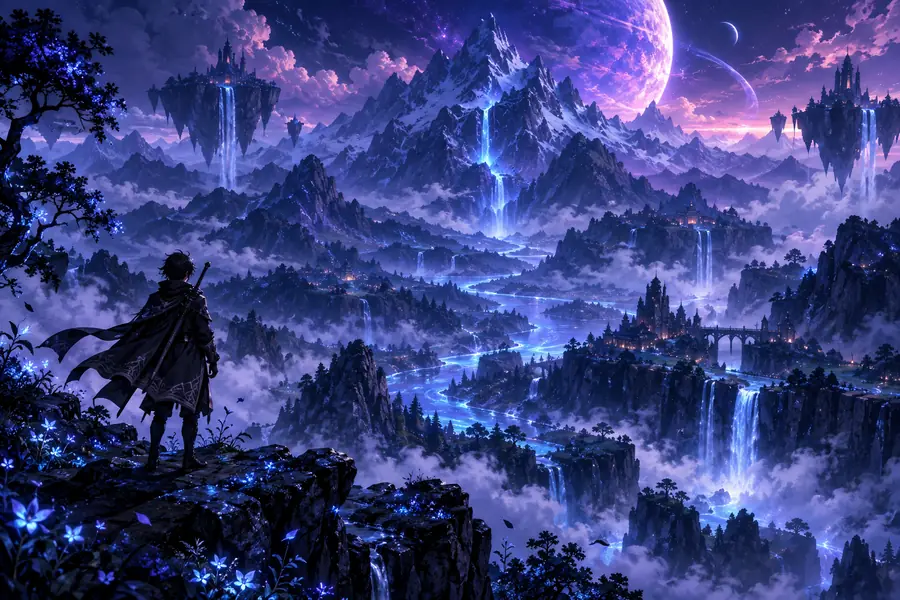
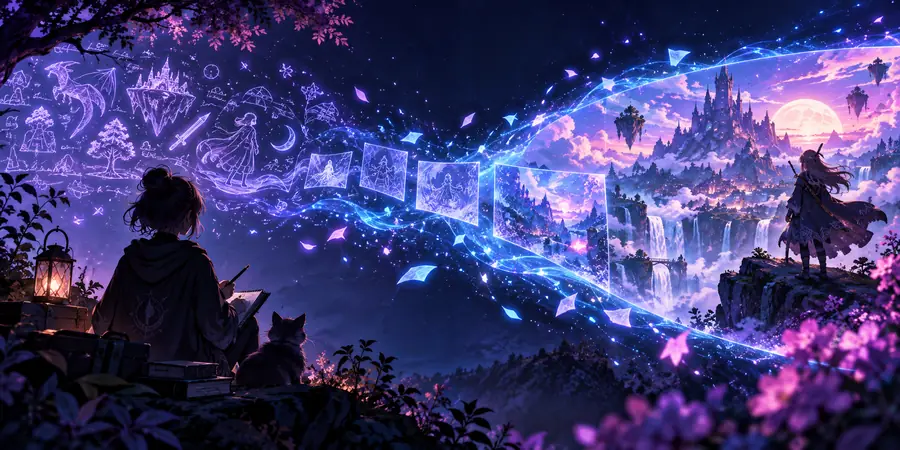
These are two illustrative images, not a documented before-and-after generation or proof that one was converted into the other.
Writers might explore a character's appearance, artists might test a setting, and curious visitors might simply see how an anime-inspired concept looks. None needs to mistake a draft image for a finished production. If that sounds useful, visit the linked experience and check its current options before you begin.
There are AI image tools that create anime-inspired artwork from a user's input. That usually means a still image rather than a complete animated show. Check a tool's current controls to see what kind of input and output it supports.
The term alone does not imply episode production. A still-image generator may help you explore a character or scene, but animation also requires motion, timing, and often sound.
A description gives the image model cues about subject, setting, and appearance. The model produces an interpretation, so the result may not match every detail you requested. Specific, visible details make the draft easier to evaluate.
Some image-making workflows use a reference photo, while others rely on text. This definition page does not promise that the linked service accepts uploads. Check its input options before choosing a photo-led approach.